
The Instagram App lets you automatically post screenshots of web pages to your Instagram page.
You must contact us at support@blitapp.com or through the ticketing system to get added to the Instagram App until Facebook approves it.
You must link Blitapp to a Business Instagram account and a single page.
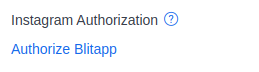
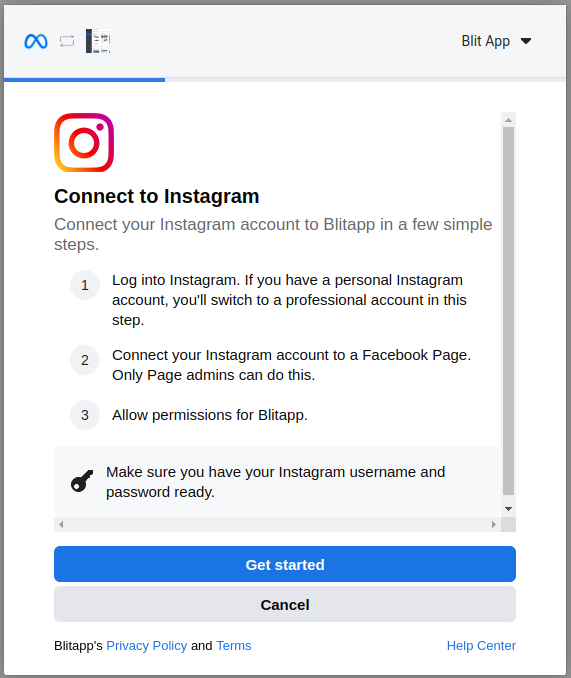
 Choose one Page to use with Blitapp. If you need to publish to multiple pages, create multiple Instagram Apps.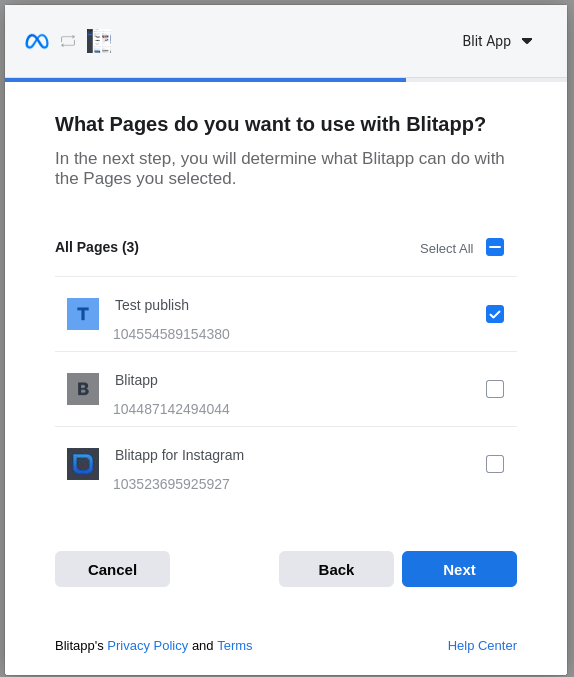
Once the app is authorized, you will be redirected to Blitapp.
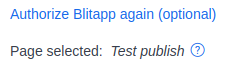
The App configuration will show which Instagram page was selected. In this example, the page is called Test publish.
Click Verify to make sure the app works.

Then hit Save.
Instagram has many requirements and limitations on its API: